We're back. RoUI is under active development again — all 28 templates and exports are completely free during the open beta. No paid plan required.
Build Health Bars
for Roblox.
Build it. Verify it. Bring it to Studio.
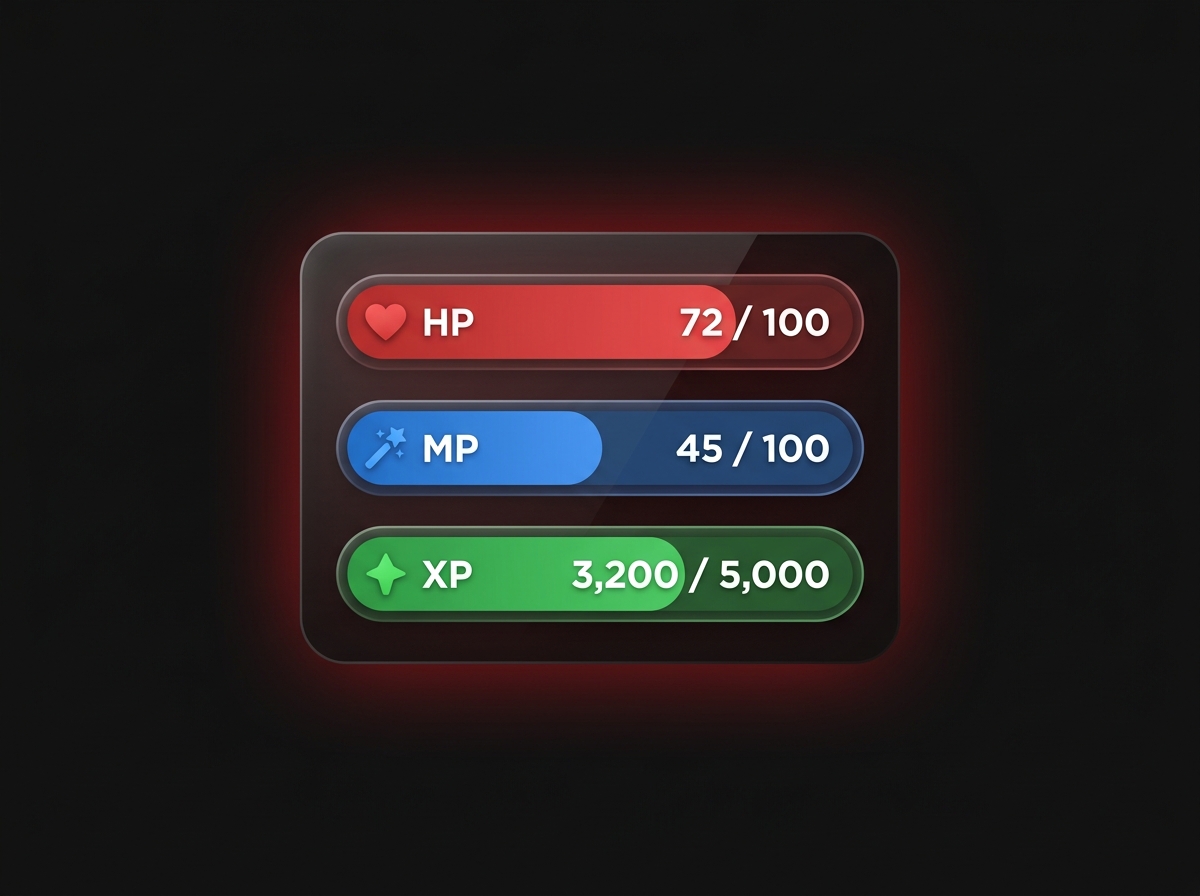
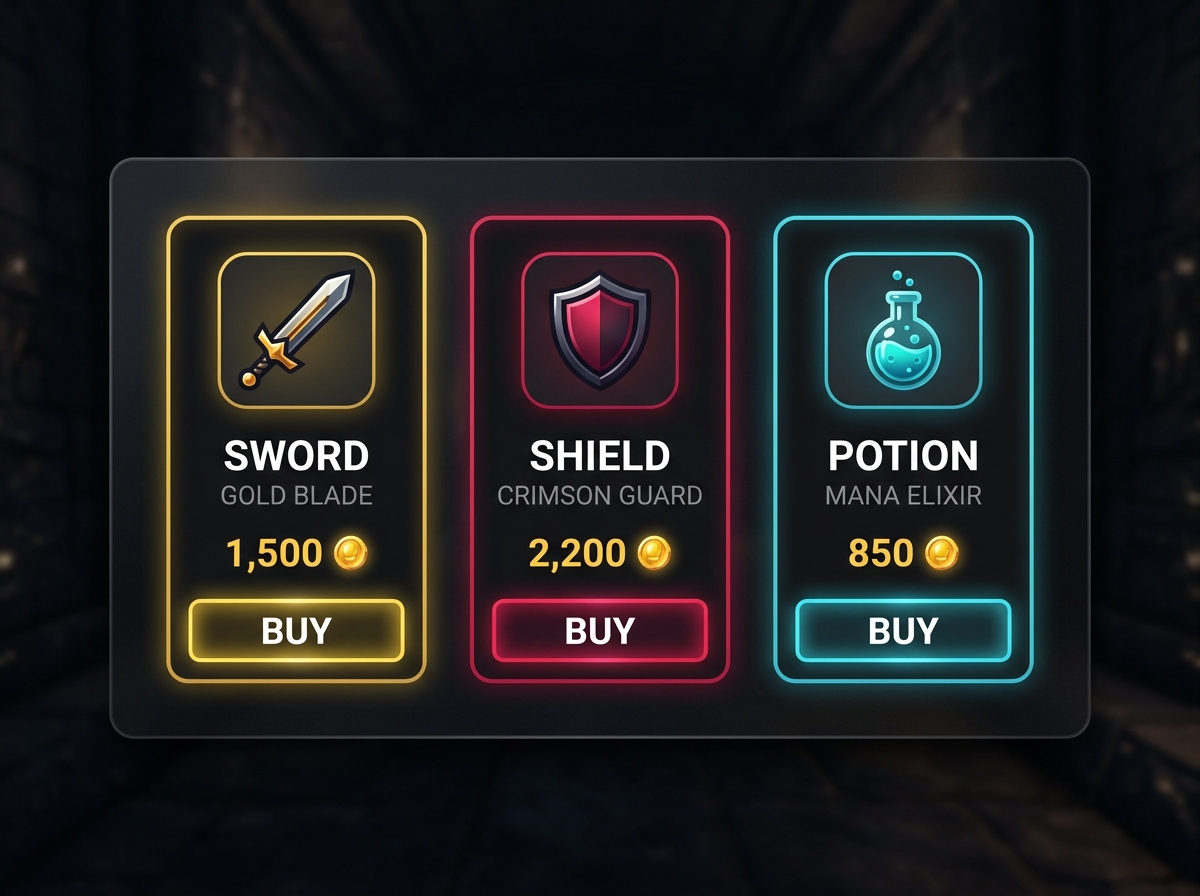
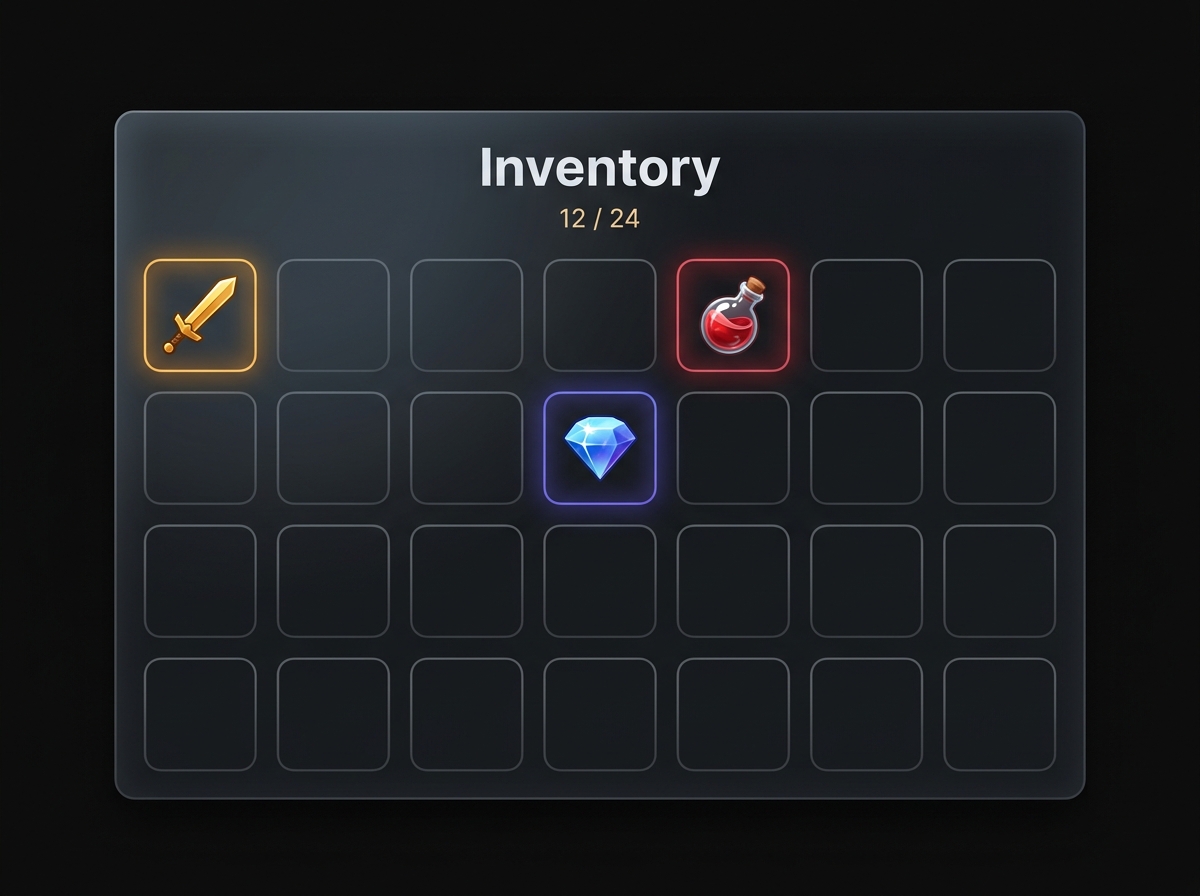
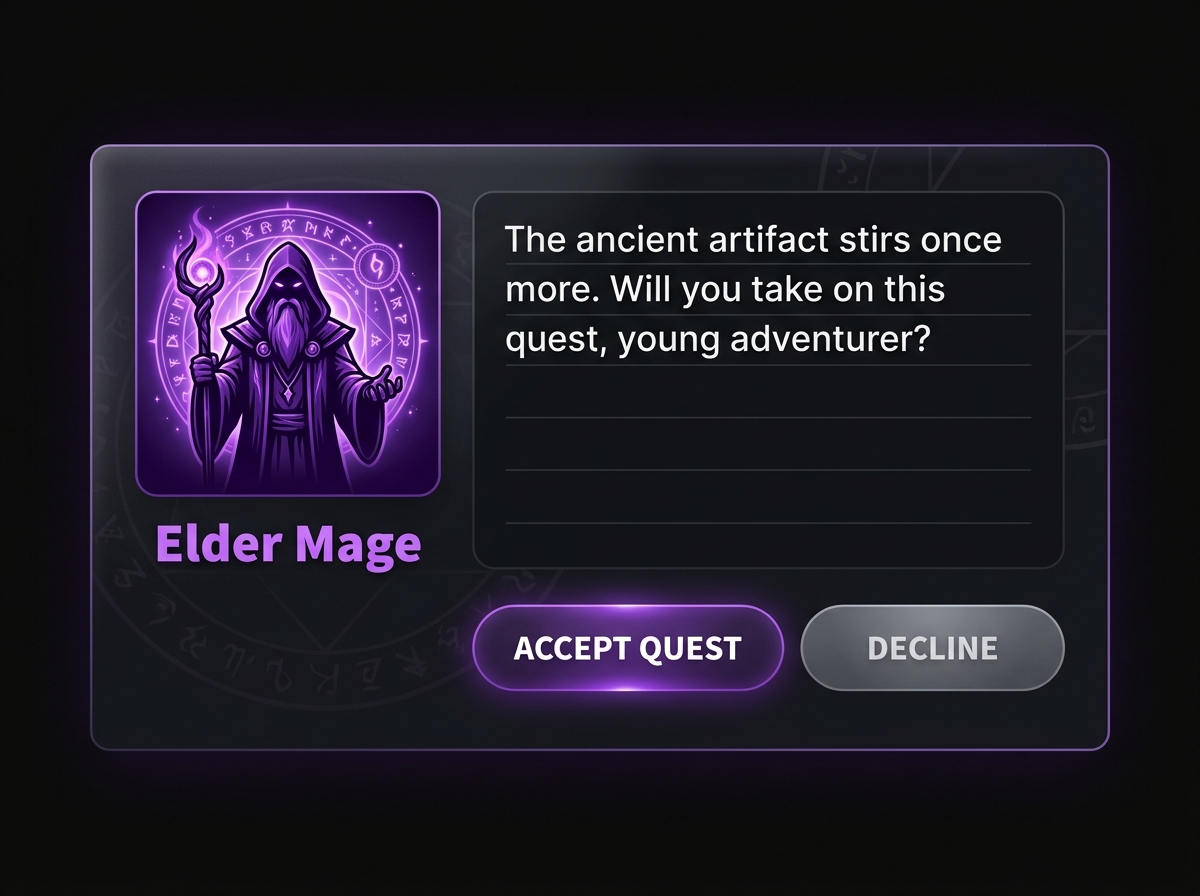
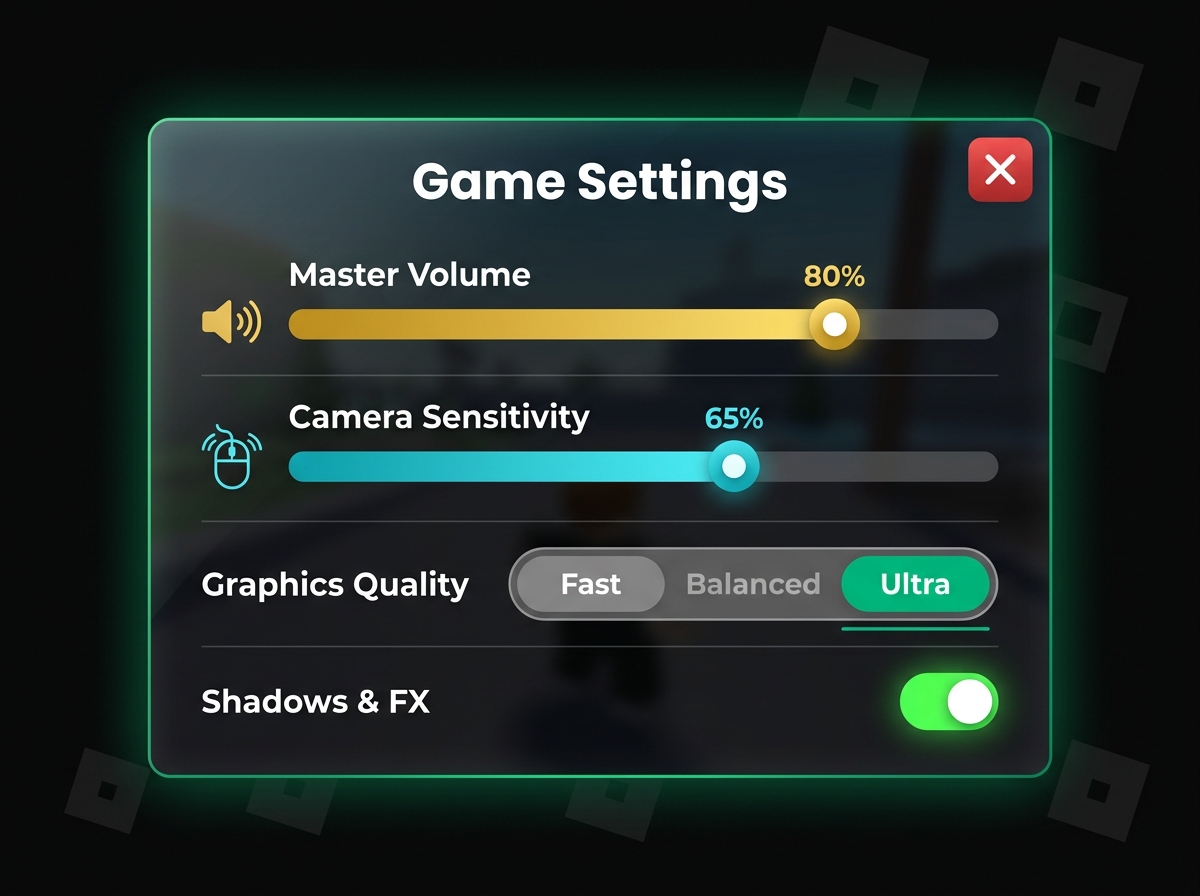
28 customizable UI templates, smart AI tailored for Luau, and deterministic cross-device preflight audits before release.
28 templates · Cross-device preflight · 3 guest exports · Unlimited after free sign-in
Templates
Preview
LiveProperties
Three steps to Studio
From template to Roblox Studio in under a minute.
Pick & Customize
Choose from 28 pre-built components. Tweak colors, typography, corners, or layout with visual feedback and AI.
Verify Preflight
Audit across Phone, Tablet, and Console screens. Apply 1-click fixes for touch targets, text constraints, and gamepad navigation.
Export to Studio
Copy Luau code, download .rbxmx models, or sync directly into Roblox Studio with the Studio Bridge plugin.
Everything you need
to build and verify stunning Roblox interfaces
Fast Customization
Describe your vision in plain English. RoUI translates your requests directly into clean Luau properties and instances.
Try it in the editorSet colour to
Updated BackgroundColor3...
Preflight Audits
Deterministic cross-device audits before release. Catch unconstrained text, safe-inset clipping, and touch target issues.
Open Verify Workspace28 Roblox UI Starters
Cleanly structured layouts for menus, HUDs, shops & social systems — ready to import into Studio.
Visual Viewport Preview
Preview your interface in real-time. Features Studio-accurate rendering, viewport zoom, and canvas grid guides.
Luau Code Editor
Monaco Luau editor with syntax highlighting, autocomplete, and annotated output.
local TweenService = game:GetService("TweenService")
local hpBar = script.Parent.HealthFill
TweenService:Create(hpBar, TweenInfo.new(0.3), {
Size = UDim2.new(0.75, 0, 1, 0)
}):Play()
Import & Export
Drag in existing .rbxmx files. Export generated Luau scripts or .rbxmx models for Studio.
Learn & Understand
Explore structure breakdowns, class hierarchies, and AI explanations for every property.
A container with scrollbars for items exceeding visible dimensions.
Used for: inventories, shop items, chat feedsBuild With Your Own Key
Use your own API key for AI models. No subscriptions, no hidden costs. You're in control.
Studio Bridge Plugin
Direct integration with Roblox Studio. Import and export UI directly inside Studio.
Built for developers who want to build clean interfaces and save time
Hobbyist Builders
Building your first Roblox game? Skip the trial-and-error UI work. Pick a starter template, customize it with AI, and focus on your gameplay.
setup time saved per project
Students & Learners
Learning Roblox UI scripting? Annotated code, property breakdowns, and step-by-step AI guidance help you understand how every element works.
property breakdowns
Indie Developers
Building your next title and need clean UI fast? Modular templates, direct .rbxmx export, and a Studio plugin streamline your development.
curated UI templates
Gallery
Browse, fork, and remix community UI projects.


All 28 templates are free during open beta
No paid plan or credit card required. All 28 templates, .rbxmx exports, and Luau code generation are completely free during the public beta. Try RoUI without an account with up to 3 guest exports, or sign in free for unlimited exports and cloud features.
- All 28 templates — HUD, Shop, Menu, Social & more
- Unlimited free beta exports — .rbxmx and Luau
- AI chat customization (bring your own key)
- Community gallery — browse, fork & share
- Studio Bridge plugin
- Project cloud save & snapshot history
- Learn tab with AI explanations
No account required to try · Sign in to save projects